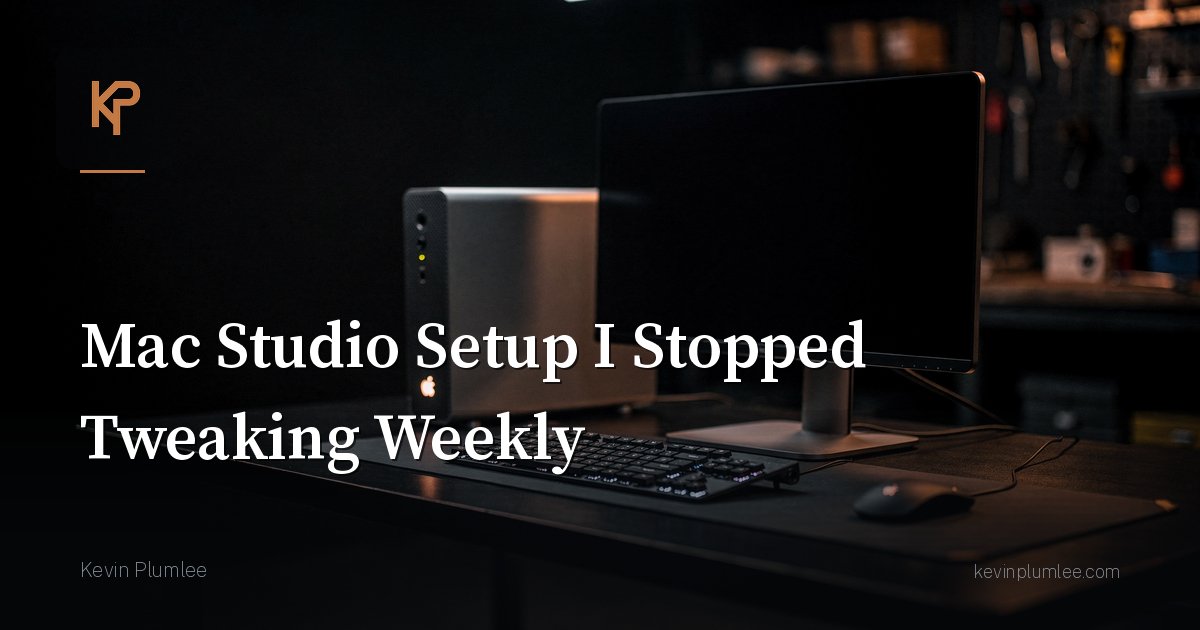
I used to treat my Mac Studio like a hobby that also had to do real work.
New dock setup every other week. Window manager experiments. Dotfile churn. Menu bar archaeology. A little productivity theater every Sunday night.
Then I noticed the pattern: the weeks I tweaked least, I shipped most.
So I froze a baseline and stopped tinkering weekly.
What “baseline” means
A baseline is a setup that is boring on purpose:
- known apps for writing, code, terminals, notes
- known backup path that has been tested
- known browser profiles with clear purposes
- known keyboard shortcuts I can do half-asleep
- known display arrangement that does not fight my neck
Boring is the feature. Novelty is rationed.
Why churn feels productive
Tweaking gives a quick dopamine hit and a visible difference. Shipping often does not.
Your brain will invent reasons why a new launcher will finally unlock focus. Sometimes tools do help. Often you are avoiding the hard task by sanding the desk.
I still allow experiments. I just schedule them. First Saturday morning of the month is lab time. The other days, the Studio is a tool, not a project.
The stack I stopped reinventing
You are not saying you should copy my apps. You are saying pick a lane and stop rebasing your life.
For me, the frozen choices include:
- one terminal setup I understand
- one editor/IDE workflow for serious code
- one notes system that is searchable
- one calendar truth
- Time Machine plus an extra backup path for the stuff I would cry about
- notifications silenced hard during deep work blocks
Every item on that list used to be a debate club. Debate club adjourned.
Rules that keep me honest
- No new utility app without removing an old one.
- No menu bar permanent residents without a job.
- No “quick rewrite” of dotfiles on a worknight.
- If a tweak does not survive two weeks of real use, delete it.
- Document the restore steps once. Future me is the primary user.
Checklist for a stable workstation
- Clean install notes exist somewhere findable
- Backup restore tested this quarter
- Dock or launcher membership audited monthly, not daily
- Focus modes actually used
- Cable situation does not require a puzzle every morning
What changed after I stopped
Mornings got shorter. Context switches got fewer. I spent less time debugging my own preferences and more time on work that pays for the Studio in the first place.
Also, when something broke, I could tell what changed because almost nothing had changed.
Closing
A Mac Studio setup you stop tweaking weekly is not giving up. It is choosing output over cosplay optimization.
Make it comfortable. Make it recoverable. Then leave it alone long enough to do the work you bought the machine for.
You can always tinker next month. Your projects would like to meet you today.
Buy time with defaults
Defaults are underrated. Default browser, default download folder, default project template, default meeting note template.
Every default you trust is a decision you do not remake before noon. The Studio becomes a launchpad instead of a negotiation.
Closing
Freeze the baseline. Ship the work. Tinker on a schedule. Your future focus will feel like a pay raise.
Hardware is not the bottleneck
Most of my old tweaking was coping with workflow ambiguity, not hardware limits. The Studio was already fast. My habits were not. Freezing software choices forced the real issue into the open: pick the work and begin.
Guest mode for your own brain
When I feel the tweak itch midweek, I open a note titled “lab ideas” and park it there. Capturing the itch usually kills the itch. Acting on every itch creates a second job called Maintenance of Me.
Bottom line
Stability compounds. Every week you do not rebuild your environment is a week your muscle memory deepens. That depth is worth more than another aesthetic dock rearrangement.